
Data and Low-Voltage Cabling in Fort Pierce, FL
Data and low-voltage cabling carry signals, not mains power: Ethernet, cameras, speakers, and doorbells. This page explains cable types, Cat5e versus Cat6, outlet placement, PoE, and the routing rules that keep signals clean. Call (772) 218-3629 and tell us which rooms need outlets and what devices each room will feed.
Standard electrical wiring carries 120 or 240 volts to lights and outlets. Low voltage wiring, also called low-voltage system wiring, carries far less, usually 50 volts or under, and moves information instead: internet traffic, camera video, audio, and control signals. Home network cabling rewards planning here, because data cabling for your network is hidden in walls once the job is done. Because it is hidden in walls, a mistake here is expensive to fix later. Running the right cable to the right rooms, while the walls are open or accessible, is the whole game.
Need an electrician in Fort Pierce? Wiring a home office or network? Call and tell us the rooms to connect and where the panel sits.
What counts as low-voltage cabling
- Ethernet cabling (Cat5e, Cat6, Cat6a) for wired network, Wi-Fi access points, and cameras.
- Coaxial cable for cable TV and some antenna or camera systems.
- Speaker wire for built-in audio.
- Doorbell, intercom, and security wiring, including power-over-Ethernet (PoE) runs.
- Control wiring for smart home devices, sensors, and thermostats.
Each type has its own connectors and rules, but they share one principle: keep them separated from mains power, labeled, and documented, so the next person who opens a wall can follow what you did.
Cat5e vs Cat6 for a home
| Category | Typical speed | Home verdict |
|---|---|---|
| Cat5e | Up to 1 gigabit | Fine for existing runs; a poor choice for new work |
| Cat6 | Up to 10 gigabits over shorter runs | The sensible default for new home cabling |
| Cat6a | 10 gigabits over full runs | Worth it for long runs and future-proofing |
For ethernet wiring, Cat6 is the right default for new runs. Plan ethernet wiring home runs back to one central panel, so every drop terminates in the same place. It handles gigabit internet easily, supports PoE for cameras and access points, and leaves headroom for faster service later. Cat5e still works where it already exists, but installing it new in 2026 saves little and limits the network sooner. Fiber has a place for very long or outdoor runs, but it is overkill inside most homes.
Can low-voltage wiring share a box with power?
No, not in the same box without a proper divider, and never in the same conduit as mains power. Data cables running parallel to power lines can pick up interference, which shows up as slow speeds, dropped packets, or cameras that stutter. The practical rules are simple: keep data runs separated from power runs, cross power at right angles where they must meet, and use separate conduits or pathways. Shielded cable helps in noisy spots, but separation comes first.
Where network outlets belong
Plan outlets where devices actually sit still: the TV wall, the home office desk, the gaming setup, and the ceiling spots where Wi-Fi access points will mount. Label every network wiring run at both ends. One outlet per room is rarely enough in a home office or media room. Two drops per location costs little extra while the walls are open and saves a switch and a tangle of cables later. Centralize the other ends in one spot, a small panel or closet, with the router and switch, and label every run at both ends.
PoE changes the plan
Power over Ethernet lets one cable carry both data and power to a camera, access point, or doorbell, so no outlet is needed at the device. That only works if the cable run is Ethernet, the switch or injector supplies PoE, and the device accepts it. Planning PoE spots during cabling, rather than discovering them afterward, is the difference between a clean camera install and a camera tethered to an extension cord.
Mistakes to avoid
- Running data cable tight alongside power cable for long parallel stretches.
- Skipping labels, so nobody knows which cable goes where a year later.
- Installing one drop per room and regretting it when a second device arrives.
- Buying the cheapest cable category to save a small amount on a job that lasts decades.
- Forgetting access points: a wired access point on the ceiling beats a router struggling through walls.
Next step
Sketch your rooms, mark where devices sit still, and count drops per spot before anyone pulls cable. For data cabling in Fort Pierce homes, and for low voltage wiring in Fort Pierce homes generally, that sketch is the plan the installer works from. The smart home wiring page covers the broader smart-home side, doorbell and intercom installation covers entry devices, and outlet installation covers the power outlets that sit beside your data drops.
Cable quality and testing details that matter later
Not all cable sold as Cat6 is equal. Permanent runs should use solid copper conductors. Bargain cable made from copper-clad aluminum, marked CCA, has higher resistance and performs worse, especially for power-over-Ethernet devices that draw power through the same cable. Checking the jacket marking before the cable goes into walls is a small step that prevents a permanent disappointment.
While walls are open, run two cables to the spots that matter most: desks, entertainment centers, and ceiling access-point locations. Pulling a second cable during the same visit costs far less than opening finished walls later for one more drop. Leave a service loop of slack at the cabinet end and a smaller loop at the outlet, label both ends of every run, and keep a simple port list showing which outlet maps to which patch-panel port. Future troubleshooting goes much faster with that list.
Placement of the central cabinet deserves thought. It wants ventilation, power, and easy access for maintenance. A hot, unconditioned attic is the wrong home for routers, switches, and recorders, and Fort Pierce attics run hot for much of the year. Where a future cable path would be hard to reopen, conduit installed now keeps the option open later.
Routing rules protect performance. Keep data cable separated from power wiring, and where the two must cross, cross at a right angle rather than running alongside. Terminate both ends of each run to the same wiring scheme, T568A or T568B, since mixing schemes complicates testing. Jacket ratings follow the route: riser-rated cable for vertical runs between floors, plenum-rated where air-handling spaces require it, and outdoor or direct-burial cable for exterior sections.
Testing closes the job properly. A wiremap test catches opens, shorts, and crossed pairs, and checking the negotiated link speed confirms the run actually performs. An internet speed test alone does not prove a cable, since it measures the connection to the outside world rather than the run inside your walls. For a detached garage or outbuilding, fiber between buildings is worth considering: it avoids the conductive surge and ground paths that copper creates between structures.
Photos and quick reference
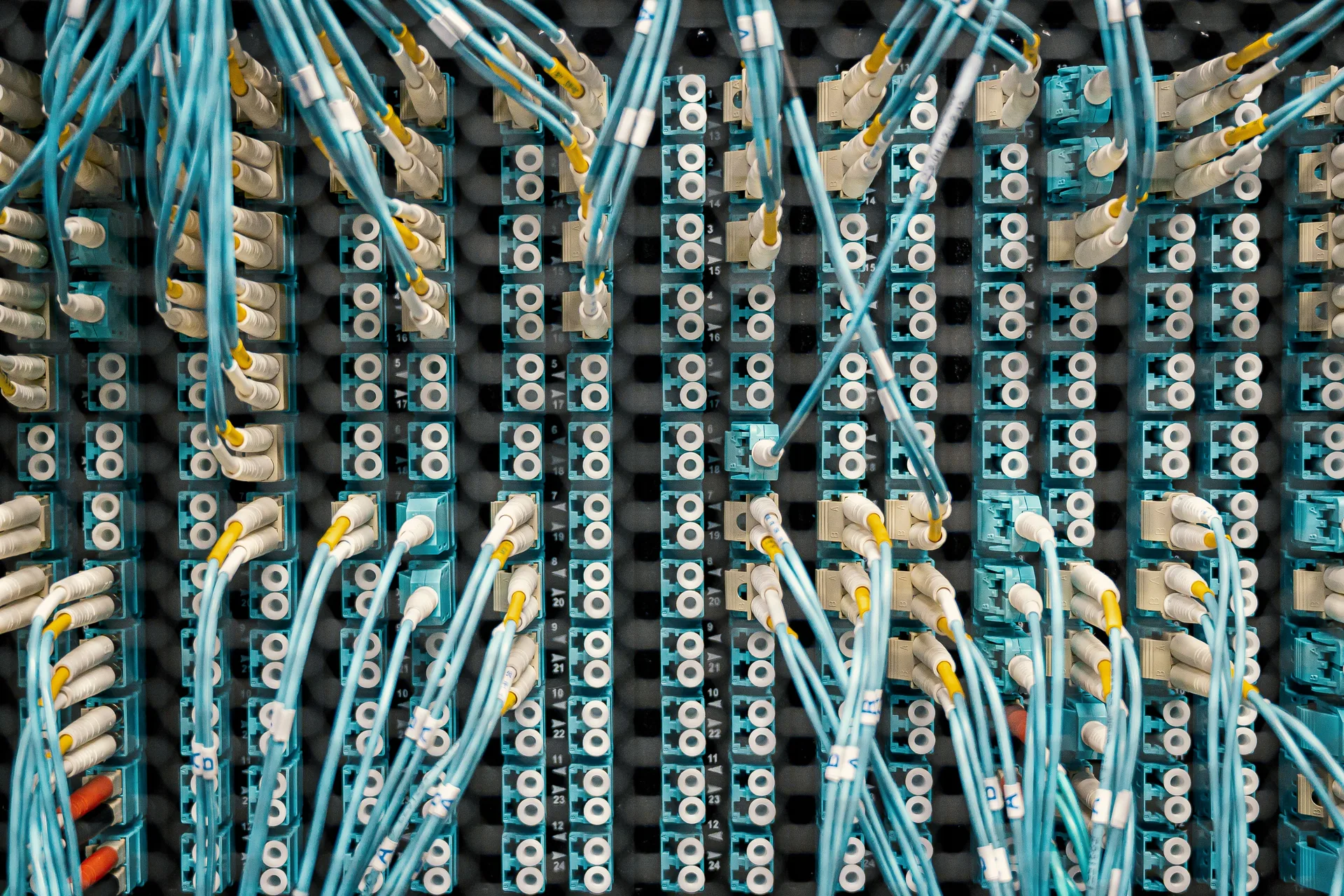
Planning a home cabling job
Step 1: plan every outlet. Step 2: run cables to one point. Step 3: label and test each run. Step 4: connect the switch and devices.
Cable jacket ratings: where each type belongs
Cable jacket ratings decide where a run can legally and safely go. General-purpose cable suits ordinary horizontal runs on one floor, riser-rated cable suits vertical runs between floors where fire could spread upward, and plenum-rated cable suits air-handling spaces above drop ceilings or inside returns, where smoke spread matters most. Outdoor-rated cable suits exterior runs exposed to weather and sunlight.
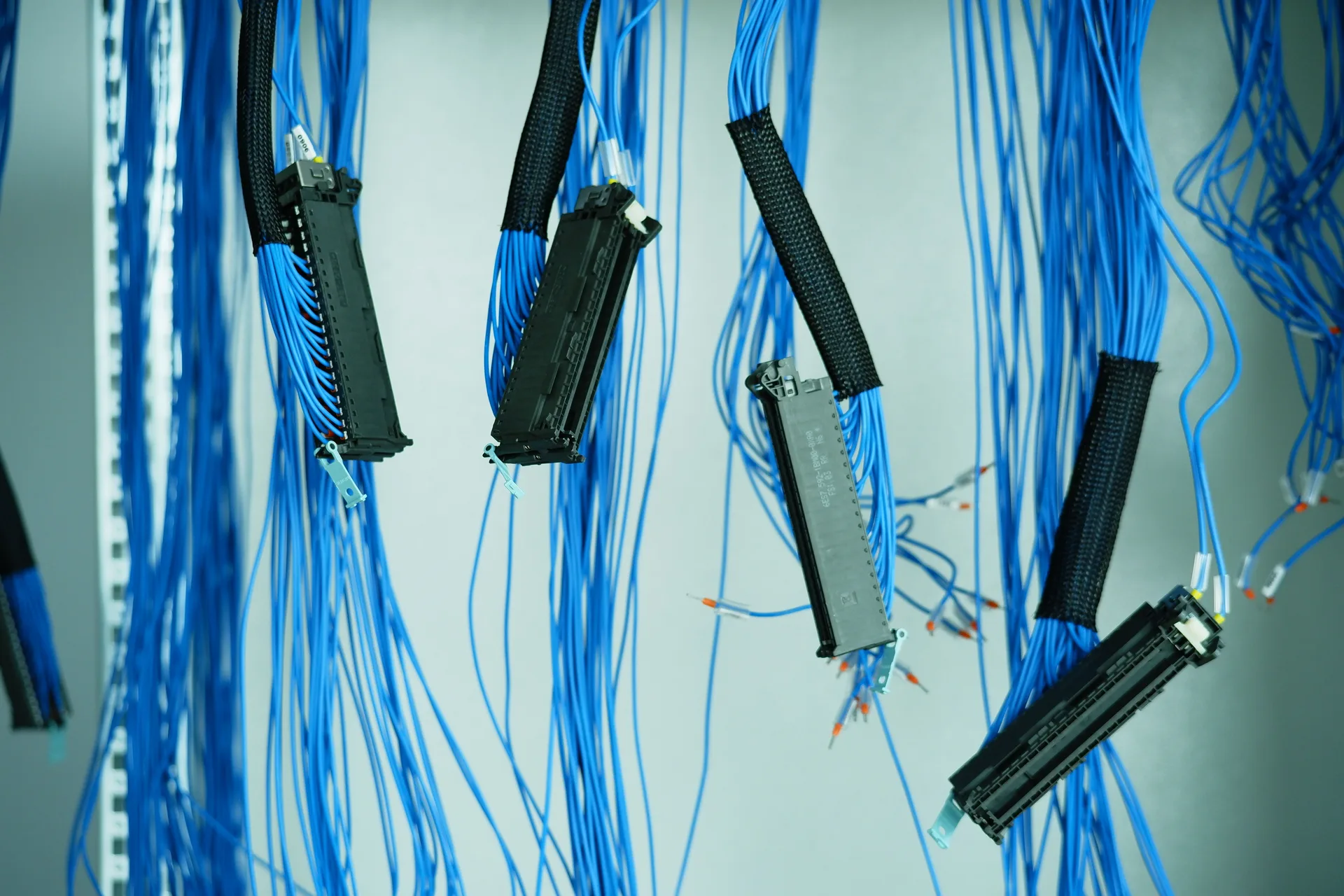
The substitution rule runs one way: plenum cable can replace riser or general-purpose cable, but the reverse does not hold. Confirm which spaces in your home are plenum before ordering cable, and tell the provider where each run travels, including any riser, attic, or outdoor section, so the right jacket is specified for every route.
Need an electrician in Fort Pierce? Wiring a home office or network? Call and tell us the rooms to connect and where the panel sits.
Frequently asked questions
What is low-voltage wiring?
Low-voltage wiring carries data and signals at 50 volts or less, rather than mains power. It includes Ethernet for networks, coaxial for TV and some cameras, speaker wire, doorbell and intercom wiring, and control wiring for smart devices. It is hidden in walls, so planning it well before closing walls matters more than with power wiring.
Cat5e vs Cat6 for a home?
Cat6 is the sensible default for new home cabling: it handles gigabit internet easily, supports power over Ethernet, and leaves headroom for faster service. Cat5e still works where it already exists, but installing it new saves little and limits the network sooner. Cat6a suits long runs and future-proofing.
Can low-voltage wiring share a box with power?
No, not in the same box without a proper divider, and never in the same conduit as mains power. Data cables running parallel to power lines can pick up interference, causing slow speeds or stuttering cameras. Keep data runs separated from power, cross power at right angles, and use separate pathways.
Is wired Ethernet better than Wi-Fi?
For devices that sit still, yes. Wired Ethernet gives steadier speeds, lower delay, and no competition for airtime, which matters for gaming, video calls, and streaming. Wi-Fi stays essential for phones and laptops. The best home networks use both: wired drops for fixed devices, and wired access points feeding strong Wi-Fi everywhere else.
Where should network outlets go?
Where devices sit still: the TV wall, the home office desk, the gaming setup, and ceiling spots for Wi-Fi access points. Two drops per location costs little extra while walls are open and saves a switch later. Centralize the other ends in one panel or closet with the router and switch, labeled at both ends.
Do I still need phone jacks in a new home?
Rarely. Most homes now run voice over the internet or mobile, and modern cabling standardizes on Ethernet, which can carry voice as well. If a landline is genuinely needed, an Ethernet run can serve it with the right adapter, so separate phone jacks add little. Plan Ethernet drops instead, and keep one flexible location if you are unsure.
Need an electrician in Fort Pierce? Call now and describe the problem.