
Doorbell and Intercom Installation in Fort Pierce
Never miss a visitor at the door again. Doorbell and intercom installation in Fort Pierce connects a chime, video doorbell, or gate intercom that rings, records, and talks back.
When you call, tell us which door or gate, whether a chime and wiring already exist, and whether you want video or talk-back.
A doorbell and intercom installation connects a wired chime, video doorbell, or gate intercom that rings, records, and talks back. Call (772) 218-3629 and tell us which door or gate, whether a chime and wiring already exist, and whether you want video or talk-back, so a provider can check the transformer and the signal at the door first.
Signs your doorbell or intercom needs attention
- The button rings sometimes, or not at all. Loose wires, a failing button, or a weak transformer all cause patchy ringing.
- The chime buzzes or hums. A buzzing chime often points to a transformer or chime mismatch, especially after a video doorbell swap.
- The video doorbell reboots or drops offline. An undersized transformer or weak Wi-Fi at the door are the two usual causes.
- Visitors cannot hear you, or you cannot hear them. A failing speaker, microphone, or intercom station needs replacing, not just a volume tweak.
- The gate intercom never answers. Long cable runs to a gate lose signal and power, so gate units need their own check.
- Batteries die fast. A battery doorbell on a busy street-facing door can drain in weeks, which is a sign a wired unit would suit better.
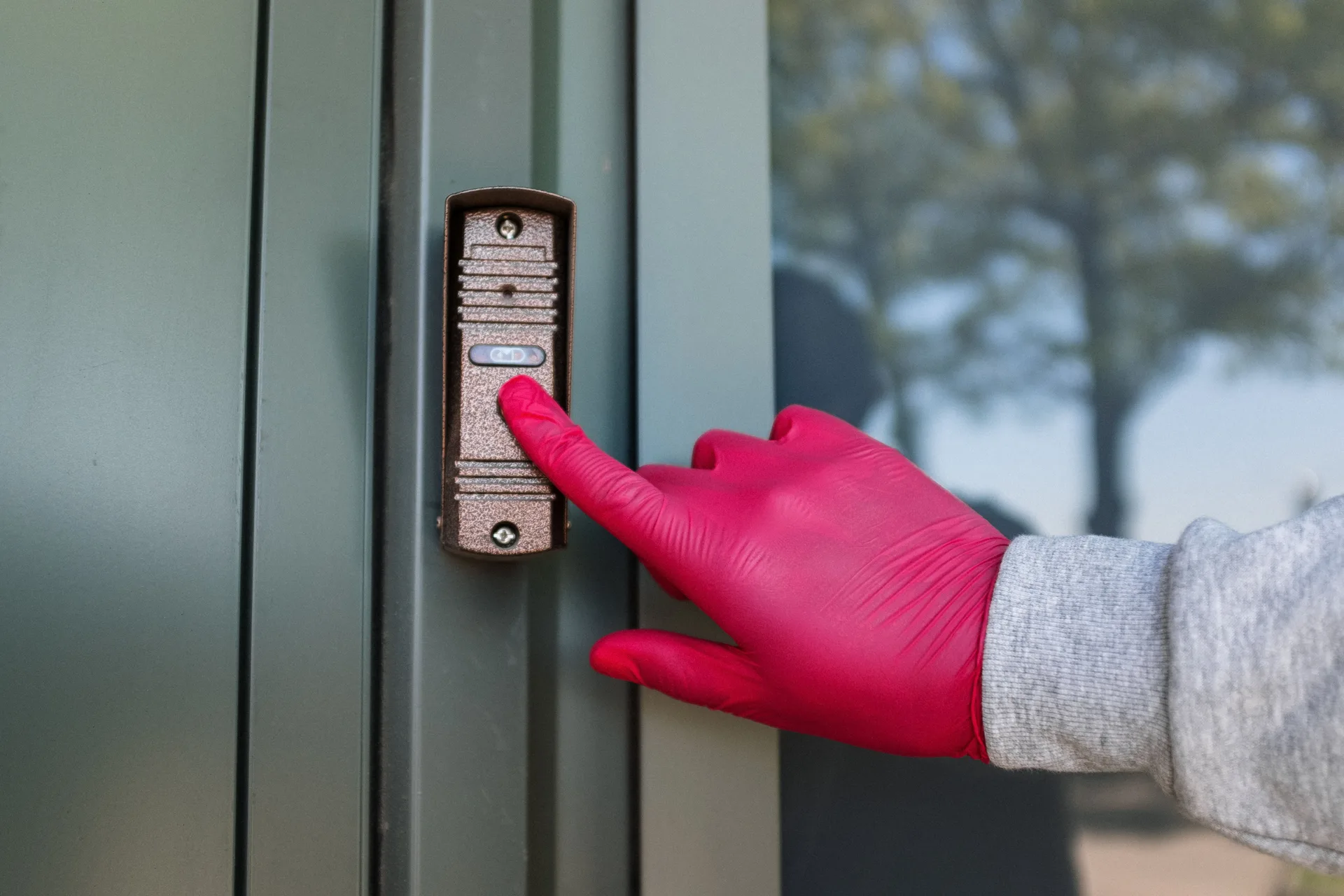
The button is the part visitors touch first, so its wiring and transformer have to match the chime or camera inside.
What you get from the visit
The visit is judged on what it leaves working, not on how much it explains.
- A chime, video doorbell, or gate intercom that rings, records, and talks back.
- The transformer checked first, so a new unit is not fitted to power it cannot use.
- Chime, video, and talk-back tested before the provider leaves.
- Wi-Fi signal at the door checked, so alerts arrive instead of freezing.
Options compared: wired, wireless, video, and intercom
| Option | Best for | Watch out for |
|---|---|---|
| Wired doorbell | A home with wiring and a chime already in place | Needs a working transformer and chime |
| Battery doorbell | A door with no wiring, or a rental | Charging routine; clips, not a steady stream |
| Video doorbell | Seeing and speaking to visitors from your phone | Needs transformer power and strong Wi-Fi at the door |
| Room intercom | Talking between rooms and the front door | May need new cable between stations |
| Gate intercom | A gate set back from the house | Long runs lose power and signal; check the route |
Every option below is a low-voltage doorbell system at heart; the difference is what it does at the door. Start from what the door already has. Wiring and a healthy transformer make a wired or video unit straightforward. No wiring at all pushes you toward battery, or toward a new cable run if you want steady power and no charging routine.
Diagram: how a wired doorbell system connects
Transformer supplies low-voltage power. Wiring joins transformer, button, and chime. Pressing the button completes the circuit and the chime rings.
What doorbell and intercom installation covers
Installation means picking the right unit for the door, checking the wiring and transformer behind it, fitting and wiring the unit, and testing the chime, video, and talk-back before leaving. The visible button is the easy part; the transformer and the signal at the door decide whether the system actually works.
In short, the visible button is the easy part. The wiring and transformer behind it decide whether the unit works.
Transformer ratings, in plain numbers
Most wired doorbell trouble comes down to one small part: the transformer. A plain mechanical chime usually runs on a small transformer, while a video doorbell, with its camera and wireless radio, commonly needs a larger one, often rated around 16 or 24 volts and 30 to 40 volt-amperes. Check the rating printed on your own unit and transformer before buying, since a transformer sized for an old bell can leave a new video unit rebooting or dropping offline.
Finding the transformer is half the job. It often sits near the main panel, in a closet, in the attic, or beside the chime box, and a faint hum can give it away. If you cannot find it, tell the provider where the panel and chime sit, and let the search start there rather than at the button.
One wiring detail catches many swaps: some video doorbells need a small jumper wire fitted across the old chime terminals so the unit gets steady power, while others keep the old chime working as it was. Which one applies depends on the unit and the chime, so confirm it before the old bell comes off the wall, not after the new one fails to ring inside.
Use the symptoms to split power from signal. If the chime rings but the app shows the doorbell offline, the wireless signal at the door is the likelier fault. If nothing rings, nothing records, and the unit stays dark, power is the likelier fault. Telling the provider which pattern you see saves a wasted visit.
Doorbell not ringing, or no video at the door? Call and tell us which door or gate.
What changes the cost
No single Fort Pierce doorbell price fits every door, so here is what moves it. Existing wiring is the biggest factor: reusing healthy wiring and a strong transformer is a smaller job than running new cable through finished walls. The unit itself matters too, since a video doorbell and a gate intercom cost more in parts and setup time than a plain wired bell.
Transformer work, chime replacement, and Wi-Fi fixes each add their own piece. A transformer swap is a small job on its own; a new cable run to a gate is a bigger one. Ask for a written, itemized price after the provider has seen the door, the wiring, and the transformer.
How a doorbell or intercom visit runs, step by step
- Door and wiring check. The provider looks at the door position, the existing button and wiring, the transformer, and the indoor chime.
- Signal check for video units. Wi-Fi strength at the door is tested before a video doorbell is promised, since a weak signal ruins an otherwise good install. Video doorbell wiring in Fort Pierce is low-voltage cable, so the check is about power and signal, not mains wiring.
- Unit and chime choice. The unit is matched to the wiring, transformer, and chime, or a plug-in chime is planned where the old chime will not suit.
- Fit and wire. The unit is mounted, wired, and set up, with an angled wedge added where a side wall would otherwise block the camera view.
- Test everything. Button, chime, video, talk-back, and phone alerts are all tested from the door before the visit ends.
Fort Pierce notes: older homes, salt air, and rentals
A doorbell installation in Fort Pierce often starts with the transformer, not the button. On the Treasure Coast, older homes often carry the classic doorbell problem: a transformer sized for a simple mechanical bell, now asked to power a video unit that needs far more. That mismatch is worth checking before you buy the doorbell, not after it starts rebooting.
Salt air near the coast also ages outdoor buttons and mounts faster than inland hardware, so outdoor fittings need a check now and then. For rentals, a battery doorbell avoids wiring changes entirely, but a wired unit suits a home you plan to stay in. For related indoor wiring, see outlet and switch installation in Fort Pierce, and for a wider smart-home plan, see smart home wiring in Fort Pierce.
Call right away if
Sparking, a burning smell, or a transformer or chime box that feels hot means stop and stay clear. Switch the circuit off at the breaker only if you can do so safely. If there is a fire or anyone is hurt, call 911 first.
This page covers Fort Pierce ZIPs 34950 and 34981.
How to choose a provider for a doorbell or intercom
Before you agree: doorbell and intercom checklist
- Did the provider test the existing wiring and transformer before recommending a unit?
- Was Wi-Fi at the door checked for a video doorbell?
- Was chime compatibility confirmed, or a plug-in chime planned?
- For a gate unit, was the cable route and distance measured?
- Was the price written and itemized after a look at the door, wiring, and transformer?
A provider who sells you the doorbell before checking the transformer is guessing. That transformer-first approach is the standard for doorbell and intercom installation in Fort Pierce, FL. The check takes minutes and prevents the most common video-doorbell complaint. The same transformer-first approach applies to doorbell work in Downtown Fort Pierce and across the city, and for faults elsewhere in the home, see electrical repair in Fort Pierce.
Mistakes to avoid with a doorbell or intercom
- Buying a video doorbell without checking transformer power.
- Mounting the camera where a side wall blocks half the view.
- Assuming the old chime will work with any new unit.
- Ignoring weak Wi-Fi at the door, then blaming the doorbell.
- Rushing a doorbell install without checking the transformer first.

A doorbell that answers reliably matters most at the moment someone is actually standing at the door.
Video doorbells and intercoms: have access details ready
A video doorbell visit goes faster when the phone, the app, and the Wi-Fi details are ready before the provider arrives: the Wi-Fi password, the phone with the doorbell app installed, and the app account signed in. For an intercom that releases a door or gate, say which door or gate it should release and who should be able to release it. Related low-voltage reading: data and low-voltage cabling in Fort Pierce.
Frequently asked questions: doorbell and intercom installation in Fort Pierce
Does a video doorbell need new wiring?
Not always. Many video doorbells run on the wiring already at the door, as long as that wiring and the doorbell transformer can supply the power the new unit needs. Older transformers often cannot, which shows up as rebooting, lost Wi-Fi, or a chime that never rings. The provider tests the wiring and transformer first, then decides whether new cable or a transformer swap is needed.
What is a doorbell transformer?
A doorbell transformer is a small device that steps your home's power down to the low voltage a doorbell uses. It usually sits near the breaker panel, in a utility closet, or behind the indoor chime box. Video doorbells need more power than an old mechanical bell, so an undersized transformer is the most common reason a new video doorbell misbehaves.
Can an intercom use existing wiring?
Sometimes. An intercom that replaces a wired doorbell can often reuse the cable already in the wall, but room-to-room intercoms and gate intercoms may need new runs, especially where the gate sits far from the house. The provider checks what cable exists, what the new unit needs, and how far the signal must travel before promising a reuse.
Will my existing chime still ring?
Many video doorbells work with an existing wired chime, but not every chime suits every doorbell. The provider checks chime compatibility before fitting. If the old chime will not work, the fix is usually a compatible chime or a plug-in chime unit inside the house.
Why does my video doorbell lose Wi-Fi?
A weak Wi-Fi signal at the front door is the usual cause, and it shows up as slow alerts, frozen video, or missed rings. Brick, stucco, and metal doors all weaken the signal, and distance from the router makes it worse. Check the signal at the door before blaming the doorbell, and ask the provider whether a repeater or a wired option would steady it.
Where is the doorbell transformer?
It is often near the main electrical panel, in a closet, in the attic, or beside the indoor chime box, and a faint hum can give it away when it is powered. If you cannot find it, note where the panel and the chime sit and tell the provider when you call. The provider can trace the low-voltage wiring from the button or the chime back to the transformer, and check its rating before a new unit is chosen.
Need an electrician in Fort Pierce? Call now and describe the problem.